The FAS Mobile Delivery Management System (FAS Mobile) allows users to download outstanding deliveries into an Apple or Android smart-phone and then to process those deliveries using the iPhone or Android phone. FAS Mobile users can display the entire list of deliveries, map/route all deliveries with real-time GPS capability, map/route individual deliveries, get real-time navigation assistance, automatically contact order recipients, and mark orders delivered as the deliveries are completed. FAS Mobile then updates the delivery information on the order stored on the FAS server back at the shop and sends your customer an email confirming the delivery.
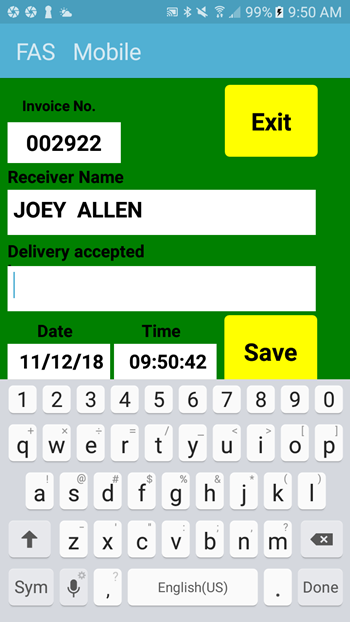
Press “Mark Delivered” to complete the delivery. After you enter the name of the person who accepted the delivery, FAS Mobile will update the delivery information on the order stored on the FAS server back at your shop. The FAS system can then send your customer an email confirming that the delivery has been made.
FAS Mobile consists of two modules–the iPhone and Android apps which can be downloaded into your phone from iTunes and from the Android Market, and the FAS server software which must be downloaded and configured on your FAS server by FAS’s support staff. In addition to the iPhone or Android phone you must also have wireless access to your FAS network through the FAS router or through an access point attached to your FAS network. In order to maximize the effectiveness of the mapping features of FAS Mobile, shops should use FAS’s address look-up and verification feature to make certain that valid, accurate, standardized addresses are passed along from FAS’s invoice entry module to the FAS Mobile mapping module.
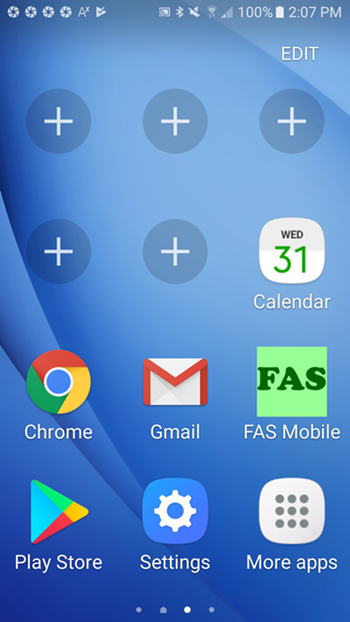
Select the FAS Mobile application from the phone’s Home screen.
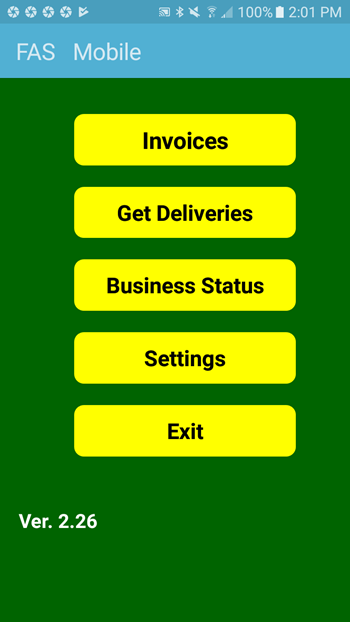
Press “Get Deliveries” to download the outstanding deliveries from the FAS server to the phone, and then press “Invoices” to process the deliveries.
The list of outstanding deliveries will be listed.
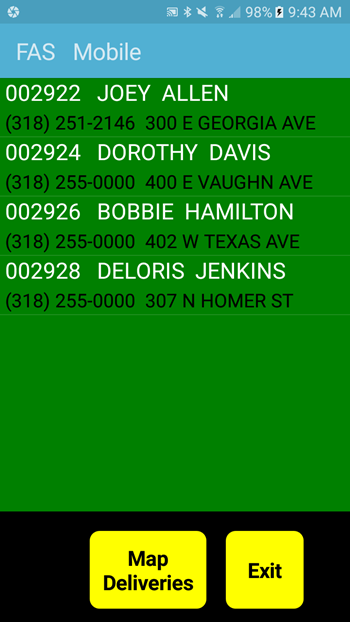
Press “Map Deliveries” to generate a map/route for all deliveries.
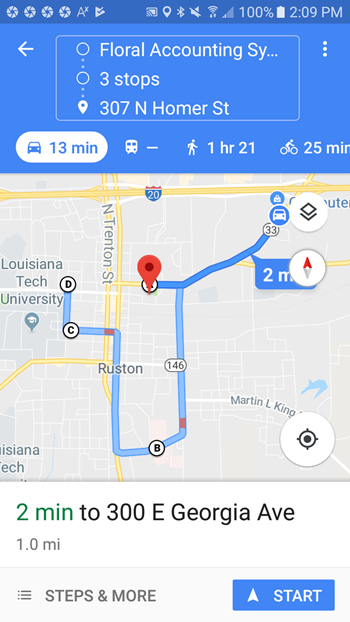
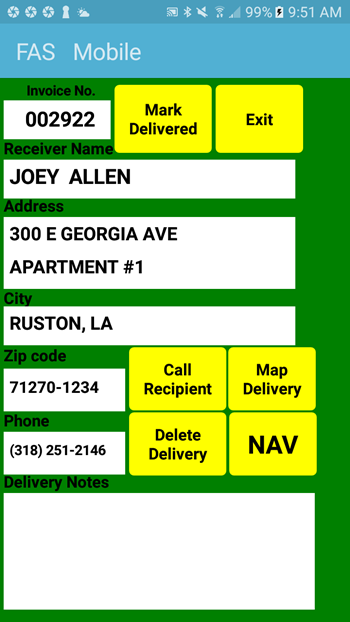
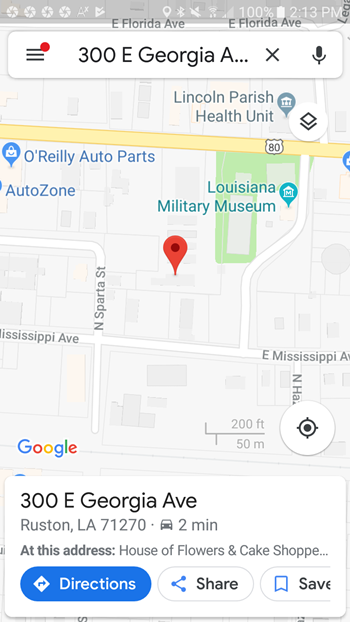
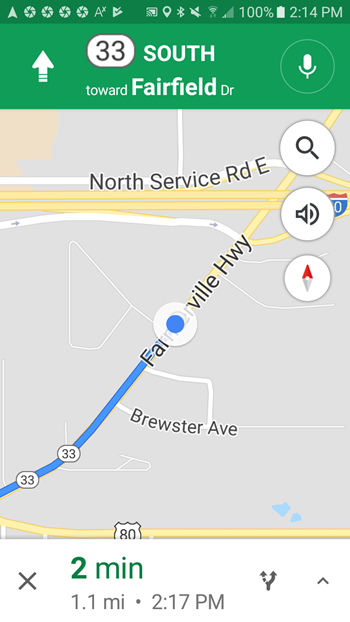
Or select an individual delivery to display the details for that particular order. By pressing the appropriate buttons you can mark the order delivered, call the recipient, map/route the individual delivery, or provide real-time navigation instructions.
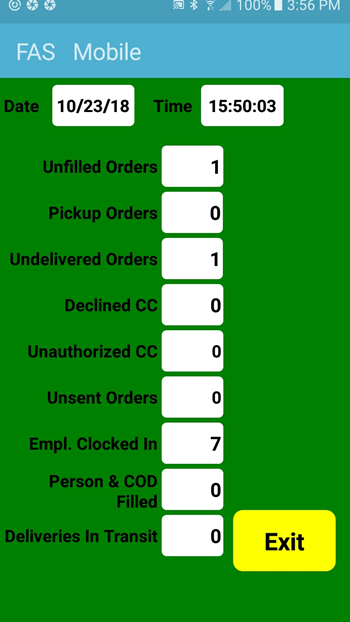
Press “Business Status” on the main menu to display the quantities of unfilled orders, pickup orders, undelivered orders, declined credit cards, unauthorized credit cards, unsent outgoing wire orders, employees who are clocked in, filled person/COD orders, and deliveries in transit for the current day. This data is updated every five minutes.